Setting Up Self-Check-in – How to Welcome Guests Without Reception Staff
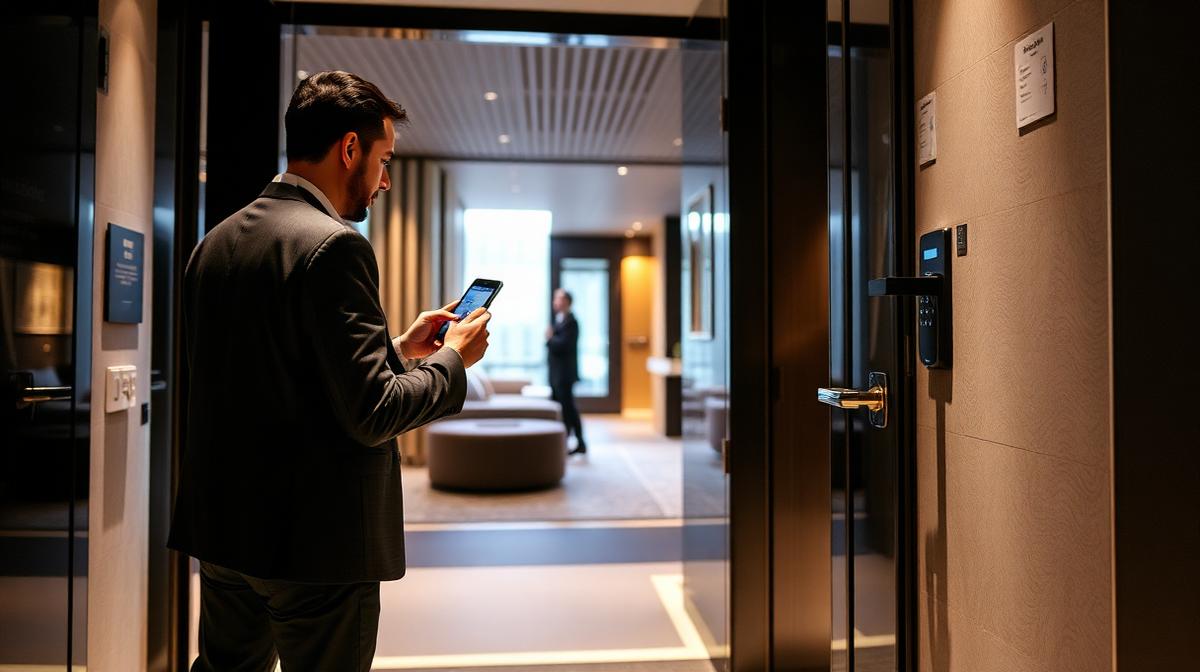
Your guest lands at 11 PM, the key is at reception – which closed at 8 PM. Sound familiar? Then it's time for a self-check-in that works around the clock – without any staff.
Why Self-Check-in Makes Sense
Whether hotel, vacation rental, or apartment – the classic key handover at reception has clear limitations:
- Late guests: Flight delays, traffic jams, changed travel plans – arrival times are unpredictable.
- Staff commitment: Someone has to be on-site to hand over the key. For vacation rentals, that's often you.
- Limited availability: Guests arriving at night or on weekends face locked doors.
- Scaling problem: More properties = more coordination = more staff.
A self-check-in system solves all these problems at once – and your guests will love it.
How the Process Works
From your guest's perspective, the process is remarkably simple:
- Booking: The guest books via your website, Booking.com, Airbnb, or another platform.
- Automatic notification: They receive a personal access code via email or SMS – as a QR code, PIN, or app link.
- Arrival: On the day of arrival, the guest holds their smartphone to the door lock or enters the PIN. The door opens.
- Departure: Access is automatically deactivated when the booking ends.
📊 Process graphic: From booking receipt to automatic door opening (coming soon)
No key, no meeting, no waiting. And you always have an overview of who had access when.
What's Technically Needed
Setup is simpler than you might think. You essentially need three things:
- Smart door lock: An electronic lock that opens via smartphone, QR code, or PIN. Retrofittable on almost any standard door – no wiring needed. More at digital access control.
- Cloud software: A platform connecting bookings, access codes, and locks. Ideally with API integration for common booking systems (Booking.com, Airbnb, your own website).
- Automation: The software automatically generates the access code upon booking and sends it to the guest at the right time.
Discover how TIKI SHARE combines these building blocks into a seamless solution: Self-check-in solutions for hospitality. For an industry-level overview, see our hospitality use case.
Frequently Asked Questions from Hosts
Do guests need an app?
No. Access works via a web link, QR code, or PIN – no app download needed. A smartphone is enough.
What happens during a power outage?
Quality smart locks operate on battery power and work independently of the power grid. Batteries typically last 12–24 months, and you'll be notified in time when they need replacing.
How secure is the system?
More secure than a physical key. Every access is time-limited, person-specific, and logged. A lost key can be copied – an expired digital code cannot.
Does this work with multiple properties?
Yes. All properties are managed centrally via one dashboard. You can see at a glance who has access where – whether you operate 2 or 200 units.
Conclusion & Recommendation
Self-check-in isn't a luxury feature – it's an economic necessity, especially for hosts working without large staff. Benefits at a glance:
- 24/7 reception – without on-site staff
- Better reviews – guests appreciate the flexibility
- Less coordination – no more key meetups
- Full control – every access is documented
- Easy scaling – one system for all properties