Implementing Asset Management Software – How to Get Started
What Is Asset Management?
Asset management describes the systematic management of operational resources, devices, and tools – from procurement through distribution to return and maintenance. In many companies, this process still runs manually: someone notes in an Excel spreadsheet who has which laptop, hoping everything comes back.
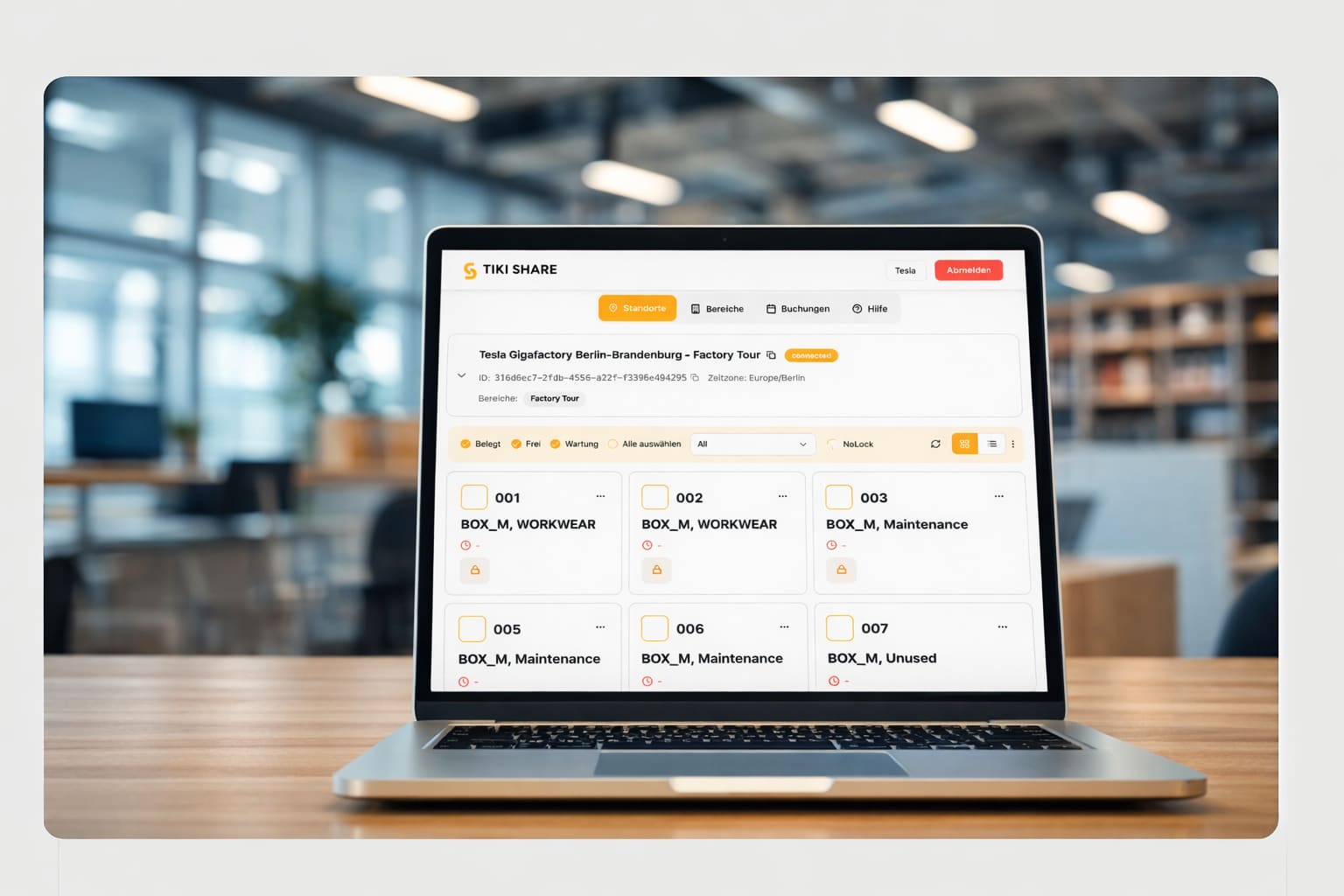
An asset management software digitizes this process. It records every item, automatically logs distributions and returns, and gives you an overview at any time of where each piece of equipment is. Learn more about the fundamentals of asset management in our glossary.
When Is a Digital System Worth It?
You may know the typical pain points: expensive equipment disappears without a trace, nobody knows who borrowed the last measuring device, and the Excel spreadsheet hasn't been updated in weeks. At that point, it becomes clear: you need a system.
✅ You need asset management software if:
- You manage more than 20 devices or tools.
- There is regular loss or unclear whereabouts.
- Employees don't know who currently has which equipment.
- You use Excel spreadsheets or paper for documentation.
- Distribution and return runs through a single person.
- You want to enable 24/7 distribution – without staffing costs.
Do two or more points apply to you? Then now is the right time to think about a digital solution.
What to Look for When Choosing?
Not every software fits every company. Pay attention to the following criteria when choosing:
- Cloud-based: No local server needed, automatic updates, access from anywhere.
- Ease of use: If the software is too complicated, it won't be used.
- API interfaces: So the system can integrate into existing IT infrastructure.
- Combination with physical distribution: This is the crucial point: the software alone isn\'t enough. Only in combination with a smart locker is distribution truly automated – TIKI SHARE\'s asset management solutions address exactly this.
| Criterion | Manual (Excel/Paper) | Digital Software |
|---|---|---|
| Overview | Excel / Paper | Real-time dashboard |
| Distribution & Return | In person at desk | Via app, PIN or RFID at locker |
| Tracking | Manual, error-prone | Automatically logged |
| Availability | Office hours only | 24/7, location-independent |
| Scalability | Limited | Unlimited, cross-location |
| Loss Prevention | Hardly possible | Full traceability |
Common Mistakes When Implementing
From experience, we know: most problems don't arise from technology, but from implementation. Avoid these mistakes:
- Starting too complex: Choose a system simple enough to be productive immediately. You can add features later.
- Not involving employees: If the team doesn't understand or accept the software, even the best system is useless.
- Forgetting hardware integration: A pure software solution only digitizes documentation – not the process. Only with a locker or machine does distribution become truly touchless and available 24/7.
Conclusion & Next Steps
Implementing asset management software isn't a mammoth project – if you approach it correctly. Start with a clear inventory assessment, choose an intuitive system with cloud connectivity, and think about physical distribution from the start. Because the greatest efficiency gain comes where software and hardware work seamlessly together.
A good first step: Check which devices you already manage, which problems occur, and which processes you want to digitize first.
Want to manage your equipment securely and automate distribution?
Let's talk about the right software and hardware solution.