Gym Lockers – Selection, Locks, and Smart Alternatives
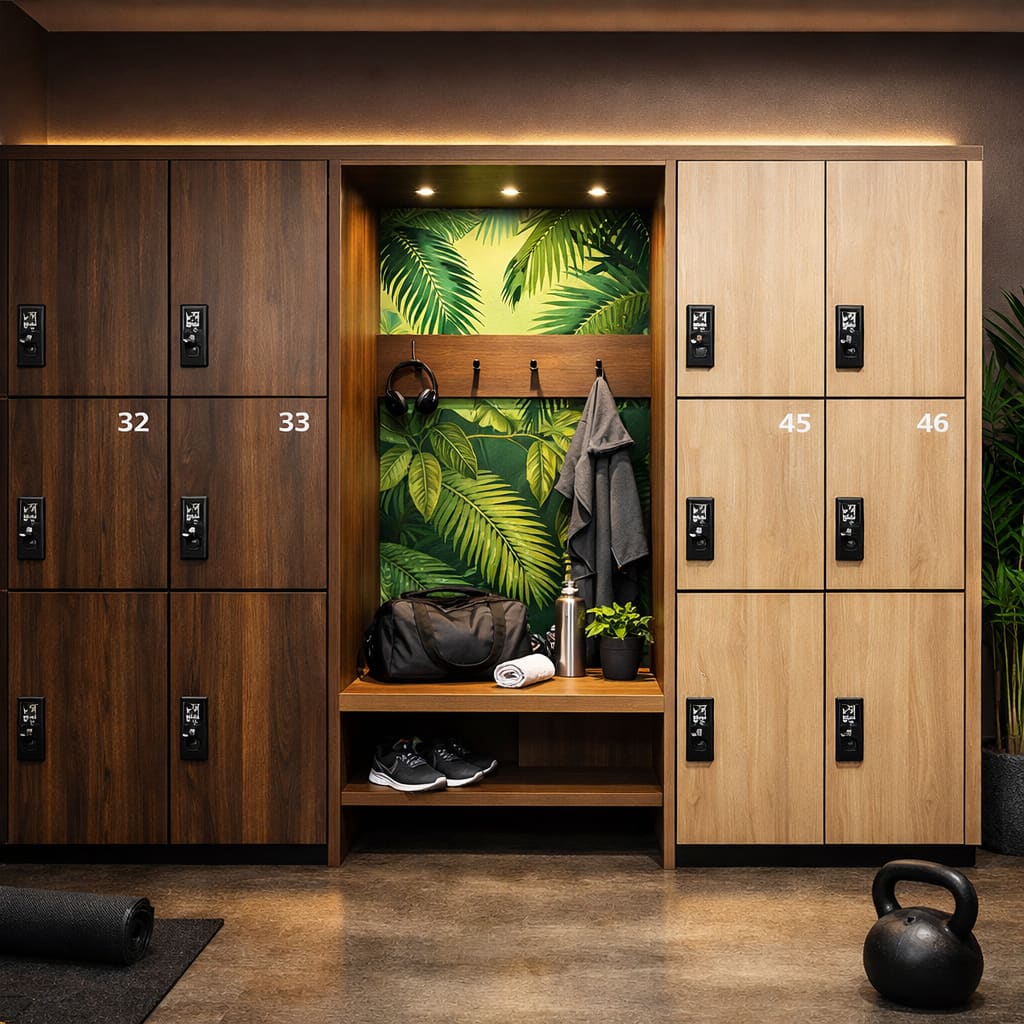
Classic vs. Smart Lockers
Most gyms still have classic lockers with padlocks or coin locks. That works – but with significant limitations: keys get lost, coin locks get blocked, and staff spend time opening forgotten lockers.
Smart lockers fundamentally solve these problems. They are opened via RFID wristband, PIN, or app – no physical key, no deposit, no administrative effort.
| Criterion | Classic | Smart |
|---|---|---|
| Key Loss | Frequent – replacement keys needed | Impossible – digital access |
| Admin Effort | High – distribute & collect keys | Minimal – automatically controlled |
| Member Comfort | Bring own lock or deposit | One wristband/app for everything |
| Releasing Blocked Lockers | Manually by staff | Automatically (e.g. at 2am) |
| Investment Costs | Low (purchase) | Higher initial, but lower follow-up costs |
| Hygiene | Keys change owners | Contactless – no shared media |
Which Lock System Fits?
If you decide on smart lockers, the question arises: which access system is right? The three most common options:
PIN Code
The user chooses a personal code. Simple, but the code can be forgotten or shared.
RFID Wristband / Card
The standard in fitness studios: one wristband for check-in, locker, and vending machine. No loss risk, high comfort.
Smartphone App
The most modern option: the locker is opened via app. Ideal for studios that want maximum flexibility.
RFID Lockers in the Gym
RFID technology has become the standard in fitness studios – and for good reason: a single RFID wristband replaces the check-in card, locker key, and even payment at the vending machine.
For members, this means: put on a wristband and forget the rest. For operators: no key management, no lost deposit tokens, and significantly reduced staffing effort.
Our Recommendation
Go for a system that combines RFID and smartphone app. This way, you can continue to offer existing members the familiar wristband while simultaneously offering new members an app-based solution. TIKI SHARE's locker management software supports both methods – on one platform.
Maintenance and Management
An often underestimated advantage of smart lockers: central management. Via a dashboard, you can:
- Automatically release blocked lockers: For example at 2am – so all compartments are available again in the morning.
- Monitor battery status: Electronic locks run on batteries. The system warns you in time before a battery is empty.
- Evaluate usage statistics: Which lockers are used most? Where are bottlenecks? Data helps with planning.
- Remote opening for problems: A member forgot their wristband? The locker can be opened remotely – without anyone needing to be on-site.
Learn more about our solutions for fitness studios and sports facilities.
What makes a locker smart from a technical point of view is covered in our article on the smart locker.
Conclusion
Smart lockers are no longer a luxury – they are an investment that quickly pays off through less staffing effort, higher member comfort, and lower follow-up costs. Anyone opening a new studio today or modernizing existing changing rooms should go directly for a digital system.
Want to modernize your gym's changing rooms and switch to smart lockers?
Discover our solutions for sports facilities.